Consumer rights customizations
CMS Block as Legal Guarantee Notice
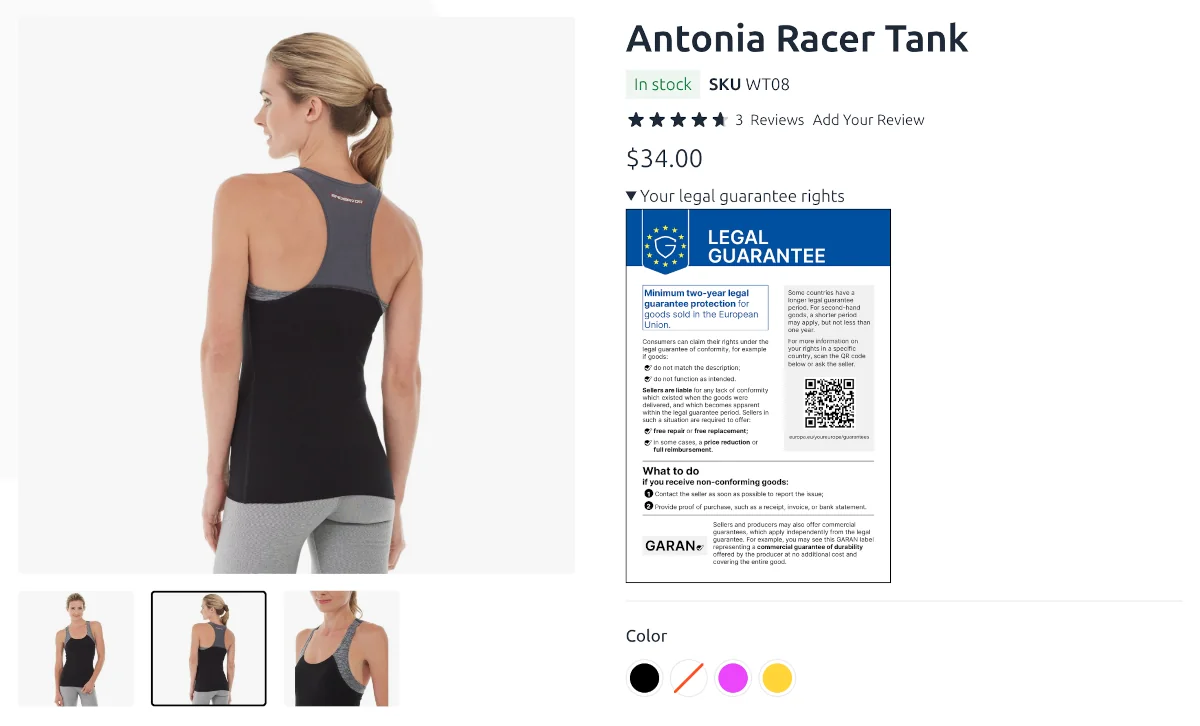
When you want to customize the content of Legal Guarantee Notice, you can create a CMS Block with the content you need and select it in the configuration.
For example, let’s create a consumer_rights_guarantee_notice CMS Block
with the following content:
<details>
  <summary>Your legal guarantee rights</summary>
  <div style="border:1px solid #000;display:inline-block;">
    {{block class="Swissup\CheckoutConsumerRights\Block\LegalNoticeImage" width="250"}}
  </div>
</details>
Then, open Stores > Configuration > Swissup Checkout > Consumer Rights > Product Page,
select CMS Block in Renderer option, and choose newly created CMS block.
Result:
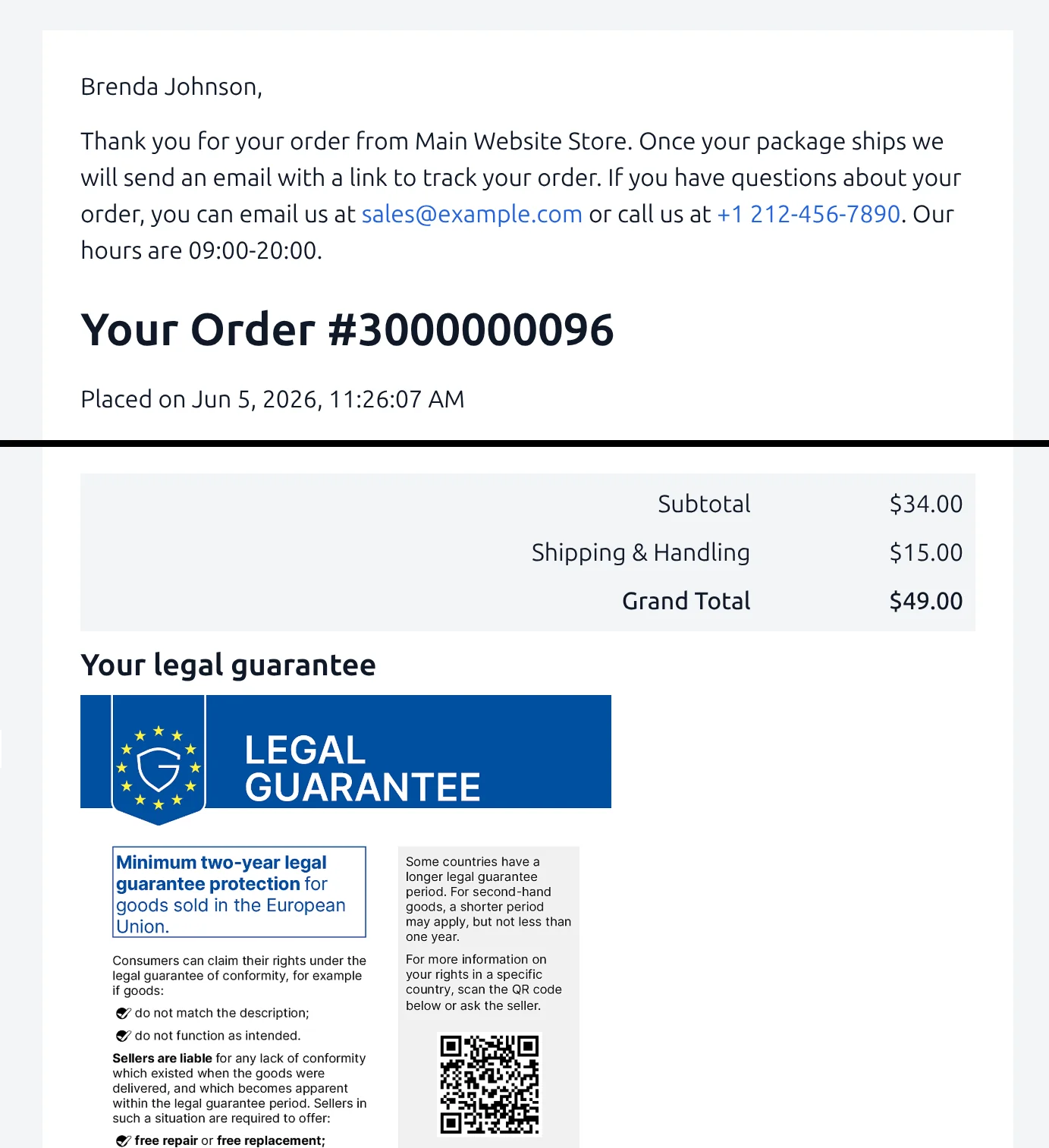
Adding Legal Guarantee Notice to Order Email
Open your custom “New order email” template at Marketing > Email Templates and add the following code to it:
<h3>{{trans "Your legal guarantee"}}</h3>
{{block class="Swissup\CheckoutConsumerRights\Block\LegalNoticeImage" width="350"}}
Result: