
Configuration
Configuration is available at Stores > Configuration > Swissup > CSS Shake page.
General
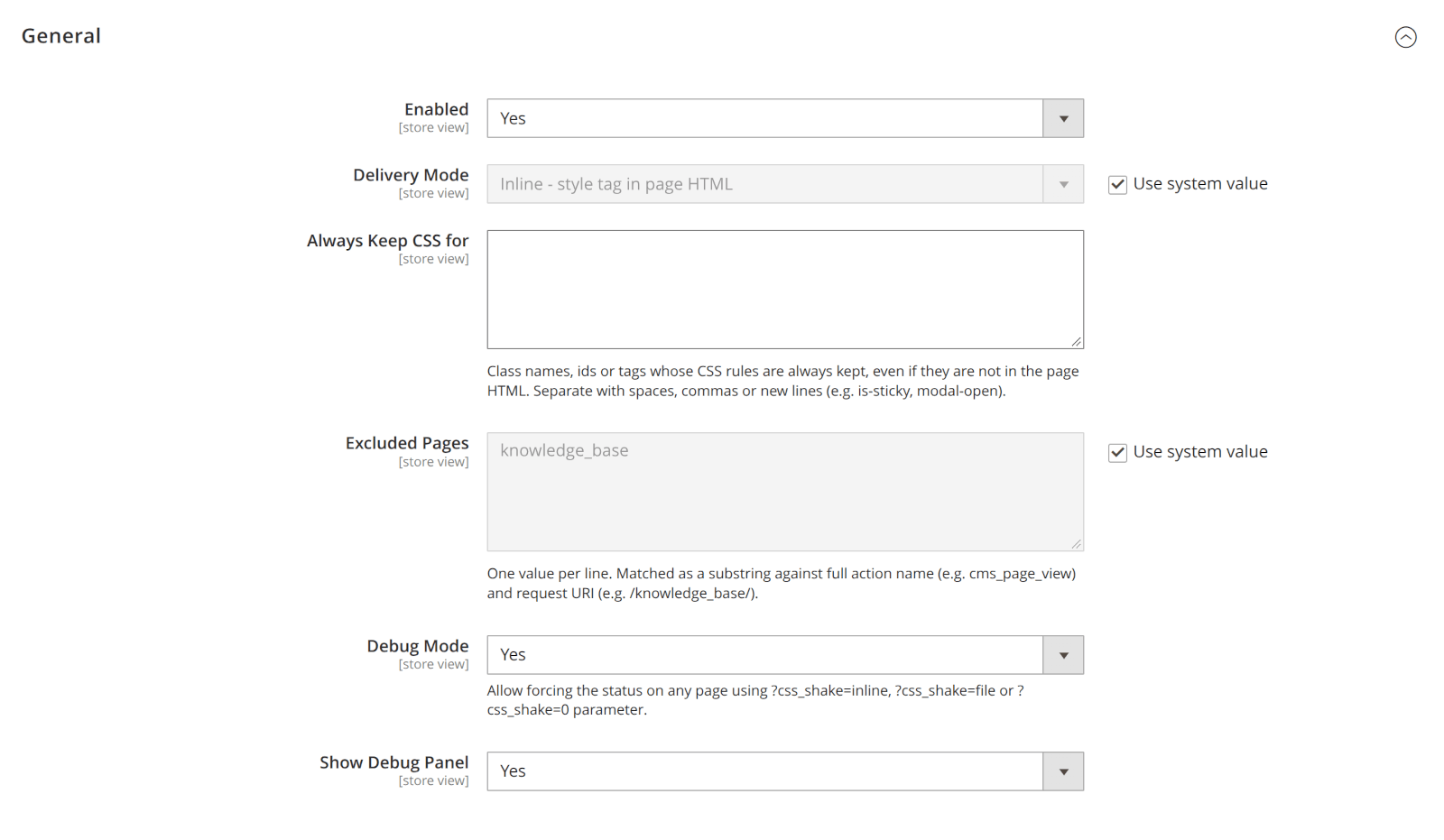
| Option | Description |
|---|---|
| Enabled | Enable/Disable the module |
| Delivery Mode | Inline (Default) - CSS is added inline, File - CSS is loaded from a file. File mode may work better for stores with high pagespeed score (>95) |
| Always keep CSS for | Keep styles for specified selectors, even if they doesn’t used by the page. |
| Exluded Pages | Disable CSS Shake for these pages |
| Debug Mode | Allow forcing the status on any page using ?css_shake=inline, ?css_shake=file or ?css_shake=0 parameter. |
| Show Debug Panel | Show debug panel on the frontend to see CSS Shake stats. It shows consumed memory, time that was spent to process the page and sizes of old and new CSS styles. |