
Layout Builder
Breeze Layout Builder (BLB) lets you add content blocks to product pages and category pages — without touching any layout XML files. It uses the same drag-and-drop editor as Content Builder.
Layout Builder changes apply to all pages of the selected type (e.g. all product pages). The product or category you pick is only used for the preview.
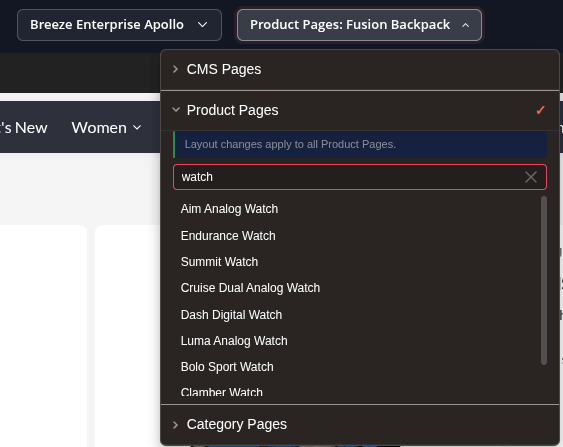
Opening the Editor
- Go to Breeze Theme Editor in the Magento admin menu.
- Select the Content Builder tab in the left panel.
- Open the page selector dropdown and expand Product Pages or Category Pages.
- Search for a product or category to use as your preview.
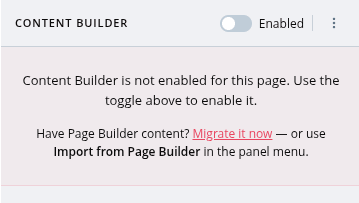
Enabling Layout Builder
When you select a product or category page for the first time, Layout Builder is not active yet. Toggle Enable Layout Builder in the panel header to activate it.
Deactivating this toggle immediately removes the layout update and restores the default storefront layout for that page type.
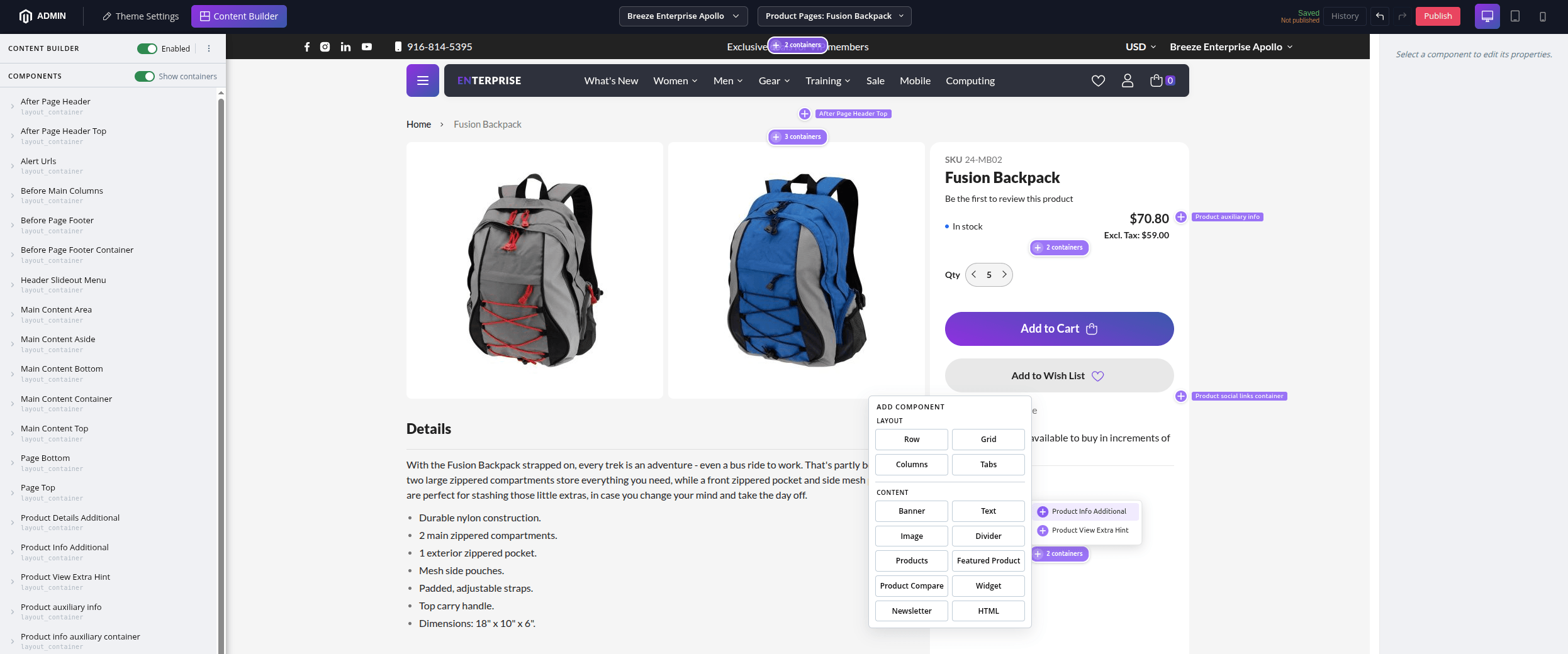
Adding Content
The preview shows available content areas highlighted with + insert buttons. You can:
- Click + directly in the preview to add a component to that area.
- Select a container in the component tree and click + there.
Available components are the same as in Content Builder.
Store View Scope
The layout is stored per store view. Use the store view selector in the toolbar to manage content for different stores independently.
Draft and Publish
Same as Content Builder — changes are saved as drafts and must be published to go live.
- Changes are saved automatically a few seconds after you stop editing.
- Click Publish to push changes to the storefront.
The full-page cache is cleared automatically on publish, so visitors see the updated layout right away.
Version History
Every publish creates a version. You can view history and roll back to any previous version from the panel menu.
Admin Permissions
| Permission | What it allows |
|---|---|
| View | Open the editor, view drafts, search products/categories |
| Edit | Edit content, save drafts, toggle on/off |
| Publish | Publish changes, roll back, manage versions |
Configure permissions in System > User Roles.