Argento custom css
To ensure seamless theme customization, it is important to be able to easily
upgrade Argento in the future. Argento allows one to create a new
_argento_custom.less file that will be automatically included and processed.
If the aforementioned file is used, Argento files are left untouched, and you can unpack a new Argento version over the old one without losing your modifications.
Example
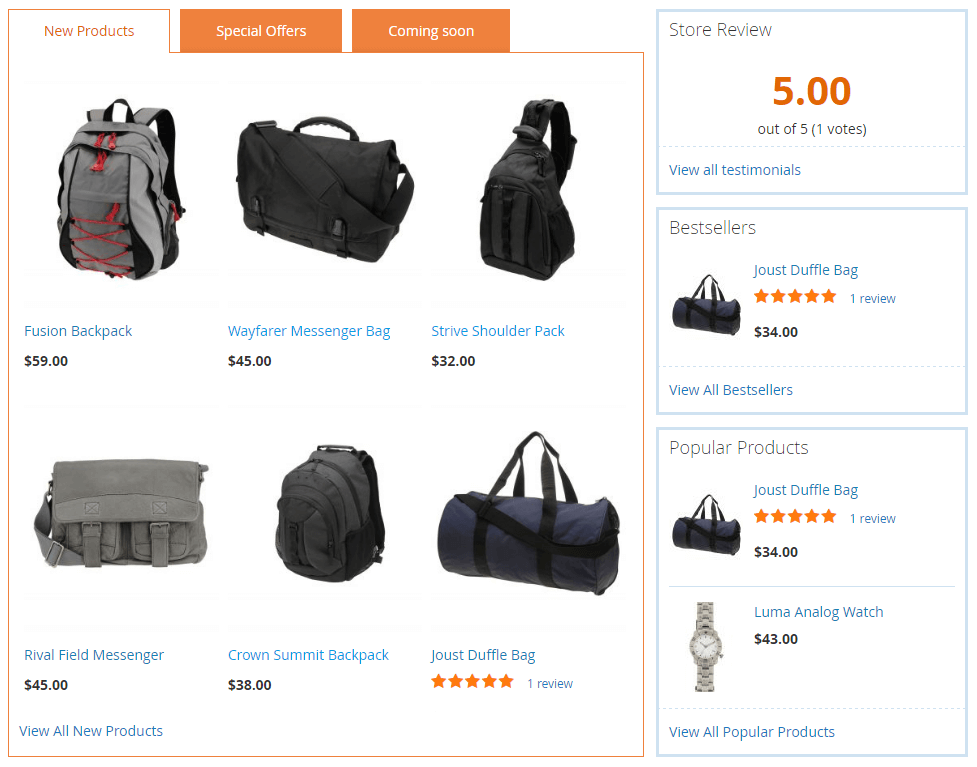
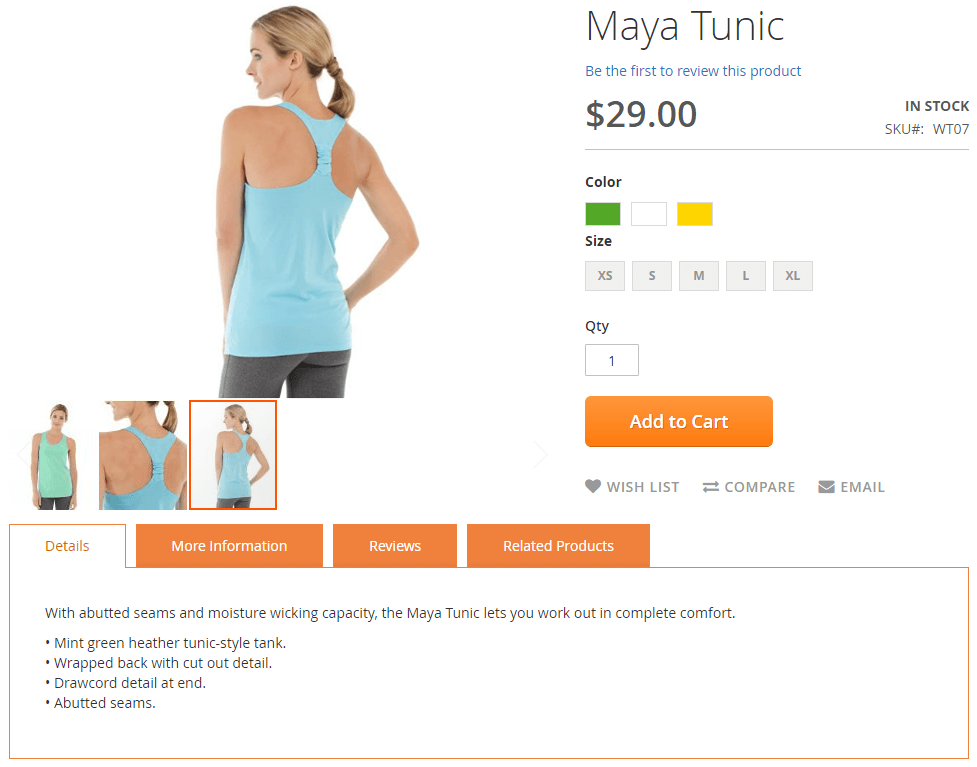
Let’s change the product links color from black to blue and update the color scheme for the homepage and products page tabs. Scroll down to see results.
-
Navigate to the Argento theme css directory you would like to modify
vendor/swissup/theme-frontend-argento-stripes/web/css/source - Create
_argento_custom.lessinside thesourcefolder -
Add your custom styles
// change product links styles @product-name-link__color: #039ae4; @product-name-link__color__visited: #167fb3; // change homepage and product tabs styles @tab-control__background-color: #ef813d; @tab-control__active__background-color: #fff; @tab-control__color: #fff; @tab-content__border: 1px solid #ef813d; .product.data.items > .item.title .counter { color: inherit; } -
Save the file and run the following bash commands to regenerate compiled styles
cd magento/root/folder
rm -rf var/view_preprocessed pub/static/frontend
bin/magento setup:static-content:deploy
Result